Markets · Guangzhou
2026 Canton Fair Exhibitor List: Build and Verify a 14-Field
Search by product, exhibitor, or booth, then build and re-verify a 14-field Canton Fair shortlist. Ensure your list is accurate before you arrive.
· 8 min read
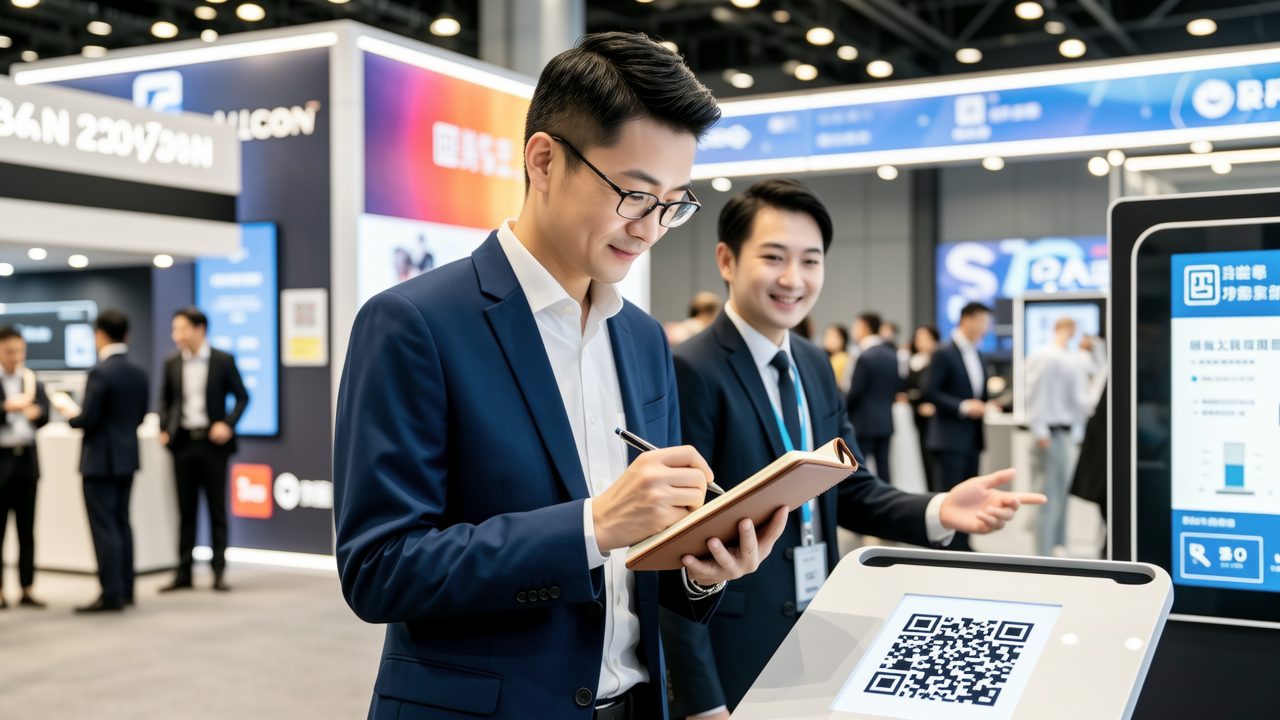
Build Your 14-Field Shortlist Before the 2026 Canton Fair
Use the official directory to search for products, exhibitors, and booths. Then, create a 14-field shortlist with the following fields: Company, Product, Phase, Area, Hall, Floor, Booth, MOQ, Quote, Tooling, Certifications, Contact, Verification Status, and Follow-Up Date.
As of 2026-08-14, the current directory is based on the previous edition, and the complete layout for the 140th Canton Fair has not been finalized. Use the current results as preliminary screening material. Before your trip, re-search the companies, confirm the phase, and update the booth numbers. Re-sort your route accordingly.
3 Ways to Search the Official Directory
Product Search: Enter keywords, materials, or usage. If you don't know the company name, this will help you expand your candidate pool. Open the results and record the Company and Product.
Exhibitor Search: Enter the company's English or Chinese name. If you already have a list of potential companies, use this to confirm their participation. Record the Phase and Booth number.
Booth Search: Enter the current booth number. If you have on-site leads, use this to find the company. Open the results and fill in the Area, Hall, and Floor.
To perform these searches, go to the official exhibitor and product search page, select Product, Exhibitor, or Booth, enter your query, and open the results. Add the information to your shortlist and note the search date.
If you can't find a company, switch between the Chinese and English names. If still no results, mark it as 'Pending Verification' and do not add a booth number.
Determine the Phase and Filter by Keywords
The official Canton Fair introduction divides the event into three phases, each with specific product categories. Do not guess the phase based on similar product names; use the official categories.
Only Product Keywords: Check the official three-phase categories and verify using the Product search. Ensure the phase matches the current edition.
Only Company Name: Use the Exhibitor search, open the company result, and check the Product. Ensure the product matches your procurement needs.
Only Old Booth Number: Use the Booth search, then cross-check with the Exhibitor search. Ensure the company and new booth match.
Multiple Borderline Categories: Query each category separately and split them by phase. Do not merge large categories without verification.
Create a 14-Field Shortlist
Fill in the following fields for each company: Company, Product, Phase, Area, Hall, Floor, Booth, MOQ, Quote, Tooling, Certifications, Contact, Verification Status, and Follow-Up Date. For example:
| Company | Product | Phase | Area | Hall | Floor | Booth | MOQ | Quote | Tooling | Certifications | Contact | Verification Status | Follow-Up Date |
| --- | --- | --- | --- | --- | --- | --- | --- | --- | --- | --- | --- | --- | --- |
| To be filled | To be filled | To be filled | To be filled | To be filled | To be filled | To be filled | To be asked | To be asked | To be asked | To be verified | To be filled | Not verified | To be filled |
For each company, at least fill in Company, Product, Phase, and Booth. Mark any missing fields as 'Pending' and do not assume they are in the same phase. Sort your on-site route by Phase, Area, Hall, Floor, and Booth, not by Company name.
Free Official Directory vs. Paid Contact Databases
Free Official Directory: Use this to find participating companies, products, and booth locations. It does not replace supplier due diligence. This is essential for all attendees. Access the official directory.
Paid Contact Databases: These provide additional contact information such as email addresses and executive contacts. They are not necessary for entry or booth location. Consider purchasing only if you have specific outreach goals.
Use the Official App to Manage Your Shortlist
Download the official Canton Fair app from the official announcement. The app helps you manage your shortlist across three stages:
Pre-Show Selection: Search, save, and add to your itinerary. Fill in Company, Product, Phase, and Booth. Note the search date for each company.
On-Site Recording: Open your itinerary, visit the booths, and scan QR codes or exchange business cards. Fill in MOQ, Quote, Tooling, Certifications, and Contact. Avoid relying on memory for key details.
Evening Review: Open the day's saved items and itinerary. Update the Verification Status and set Follow-Up Dates. Ensure each company has a clear next step.
7 Key Questions to Ask at Each Booth
Ask the following questions and record the answers:
- MOQ: What is the minimum order quantity for this model? Write down the number and unit, not just 'negotiable.'
- Quote: What are the price tiers for different quantities? Separate sample and bulk prices.
- Tooling: Is tooling required, and who owns the mold? Record the cost, ownership, and next steps.
- Certifications: Which model corresponds to which certification document? Record the document name and verify it later.
- Contact: Who handles quotes and technical issues? Record the name, title, and contact information.
- Lead Time: How long from order confirmation to inspection? Note the triggering conditions, not just days.
- Follow-Up: When and who will send what next? Record the date, responsible person, and deliverables.
If there are discrepancies in MOQ, quote, tooling, or certifications, rely on written quotes and follow-up verifications. Mark any differences in red.
Verify Company Status Beyond 'Looks Legitimate'
Do not simply mark a company as 'looks legitimate.' Use the following status and actions:
- Not Verified: Only in the directory. Verify the company's legal entity and manufacturing capability.
- Directory Verified: Company, Phase, and Booth match. Request the full Chinese company name.
- Entity Pending Verification: Have a business card but unclear about the entity. Cross-check with business licenses, contracts, and payment details.
- Manufacturing Capability Pending Verification: Claimed to be a factory. Verify the production site, equipment, and key processes.
- Ready for Further Engagement: Basic information cross-verified. Discuss samples, terms, and inspections.
Verifying a company's registration and manufacturing capability are two separate steps. Being in the directory does not prove its legal status or production capacity. For more on supplier background checks and factory audits, see our detailed guides.
Prepare Your Badge Collection Arrangements
There are two paths to get your badge, and each requires different materials:
- Online Pre-Registration, Collect at Remote Point: Bring the pre-registration receipt (saved on your phone and printed), original valid ID, and company business card.
- Via Hong Kong Representative Office: Bring an original valid ID, a recent 5cm×4cm photo, and a company business card. See the official notice for details.
Do not combine the materials for both paths. Bring both the photo and the other documents to be safe.
Check the 138th session collection points and update them for the 140th session. The points include Baiyun Airport T2/T3, exhibition halls B/C/D, high-speed rail stations, Panyu Port, and designated hotels. Confirm the exact locations and times for the 140th session.
At the venue, there are self-service kiosks and manual counters. If the self-service kiosk fails, check your documents and switch to the manual counter if needed. For more on hotels and transport to Area A/B/C/D, see our guide.
Old Badges and Replacements: Carry Only the Latest One
Your buyer badge can be used across multiple sessions. Find your old badge and ensure it is the latest one. Update your departure checklist with the badge status.
If you lose or forget your badge, the replacement fee is RMB 200 or HKD 250 per badge. This is not the initial registration or badge issuance fee. Once a new badge is issued, the old one becomes invalid. Even if you find the old badge later, use only the newly issued one. For more on buyer badges, see our guide.
What it looks like
Frequently asked
How do I find the latest exhibitor and product information?
Use the official directory at https://www.cantonfair.org.cn/en-US/customPages/exhibition. Search by product, exhibitor, or booth.
What should I do if I can't find a company in the directory?
Switch between the Chinese and English names. If still no results, mark it as 'Pending Verification' and do not add a booth number.
How do I sort my on-site route?
Sort by Phase, Area, Hall, Floor, and Booth, not by Company name.
What should I ask at each booth?
Ask about MOQ, quote, tooling, certifications, contact, lead time, and follow-up. Record the answers and mark any discrepancies.
What if I lose my buyer badge?
The replacement fee is RMB 200 or HKD 250 per badge. Use only the newly issued badge, even if you find the old one later.
On the ground in China
Want this handled by a person, not a browser tab?
A personal host meets you at arrivals, sets up payments and transport, and walks you through markets, factories or hospitals — transparent per-day pricing, itemized in writing before any payment.
About this guide
Written and maintained by the China Unboxed team from Shenzhen. We keep guides current and general on purpose — always verify prices and policies against official sources before booking.
Tell us where you are going and what is getting in your way, and a person in Shenzhen will write a plan for your trip.