Business · Guangzhou
2026 Canton Fair Registration: 4 Steps for Overseas Buyers
Register as an overseas buyer, complete pre-registration, apply for a buyer badge, and handle the invitation letter. Start your registration now.
· 6 min read
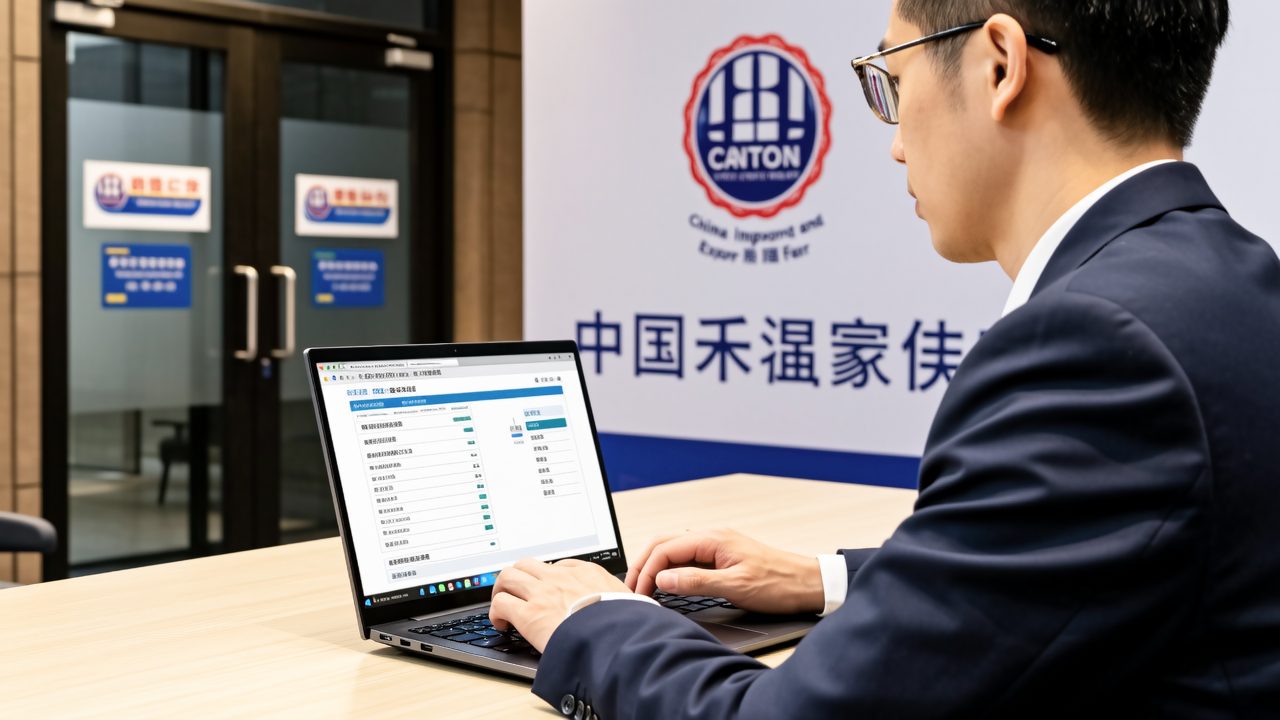
Overview of the 4-Step Registration Process
Follow these steps to register for the 2026 Canton Fair: 1. Register an account, 2. Complete pre-registration, 3. Apply for a buyer badge, and 4. Handle the invitation letter if you need a Chinese visa. Start by checking if you already have an account in the current Buyer Service System.
If you are a first-time attendee, open the current Buyer Service System registration page and select the 'Overseas Buyer' option. Use a long-term accessible email address to create your account. If you have a previous BEST account, try logging in with your old credentials and update your information.
Step 1: Account and Identity Type
To start, go to the Buyer Service System and follow these steps:
- Open the Buyer Service System.
- Click on 'Register' and select 'Overseas Buyer'.
- Enter your email address and personal details.
Ensure that you choose the correct identity type based on your documents:
- Foreign passport: Enter your name and passport number exactly as they appear on your passport.
- Hong Kong/Macau residents: Select the appropriate entry and fill in your document details.
- Taiwan residents: Choose the Taiwan identity option and enter your Mainland Travel Permit details.
- Chinese passport with overseas residency or work visa: Follow the system's prompts to upload the required documents. If unsure, contact support.
- Chinese staff of foreign institutions in China: Do not use the 'Overseas Buyer' option; select the appropriate entry or contact support.
Identity options may vary, so always check the current system options. Do not assume any specific identity will be automatically accepted.
Step 2: Complete Pre-Registration
After setting up your account, log in and complete the pre-registration process. Follow these steps:
- Log in to the Buyer Service System.
- Complete your personal information.
- Fill in your company details.
- Submit the pre-registration form.
Before submitting, ensure the following:
- Your email is still active and can receive notifications.
- Your name matches exactly with the ID you are using.
- The ID type matches the one you selected during registration.
- Save the pre-registration receipt or QR code, as it will be needed for badge collection.
You can attempt to complete the pre-registration now. Always check the current system for the latest instructions.
Step 3: Apply for the Buyer Badge
Once pre-registered, proceed to apply for your buyer badge. The badge is essential for entry into the fair. Here’s how to do it:
Choose the correct path for badge collection:
- Online pre-registration followed by remote collection: Bring the pre-registration receipt, valid ID, and business card. This was the process for the 138th session; check the current session's notice for updates.
- Application through the Canton Fair Hong Kong Office: Bring your ID, a recent 5cm×4cm photo, and business card. This is a separate path and should not be combined with the remote collection materials.
- Uncertain path: Bring both sets of documents to avoid issues.
For the 138th session, badge collection points included the Baiyun Airport T2 International Arrival Hall, T3 International Arrival Exit 74, exhibition areas B/C/D, Guangzhou South Station, Panyu Port, and 60 designated hotels. Verify the current session's locations before traveling.
At the exhibition areas, you can use either self-service kiosks or manual counters:
- Self-service kiosk: Go to the kiosk, present your pre-registration receipt or QR code, and follow the instructions to collect your badge.
- Manual counter: If there are issues, save the error message, bring your ID and receipt, and explain the situation at the manual counter.
Valid old badges can be used across sessions. If you lose or forget your badge, you can get a replacement for 200 RMB or 250 HKD. Ensure you only use the most recent valid badge.
Step 4: Handle the Invitation Letter (if needed)
Only apply for an invitation letter if you need a Chinese visa. Here’s how to do it:
- New buyers (139th session): Register, complete pre-registration, apply for a buyer badge, and the system will generate the invitation letter. Download and print it from the official Canton Fair buyer registration system.
- Returning buyers: Log in, update your information, and apply for the invitation letter from the dedicated section. Check, download, and print it from the same system.
- No need for a visa: Skip the invitation letter step after completing the account, pre-registration, and badge application.
Invitation letters are free and used for visa applications. The availability and process may vary each session, so always check the current system for the latest information.
Troubleshooting Common Login Issues
If you encounter login issues, follow these steps to recover access:
- Old email no longer accessible: Save your old email address, old badge number, and ID. Go to the Buyer Service System, click 'Account Recovery', and submit your old email and badge number. Contact support if unable to recover.
- Changed passport: Have both old and new passport details, old badge number, and account email. Log in with your old account, update your ID, and keep a record of the submission.
- Name format mismatch: Check your passport, the system’s current spelling, and the error message. Correct the name to match your passport exactly and resubmit.
- Have a badge but no new system account: Save your badge details, old email, and ID. Go to the Buyer Service System, find the 'Recover or Bind Old Badge' option, and follow the instructions. Contact support if needed.
When contacting support, provide the session number, account email, old badge number, ID type, issue date, and a screenshot of the error page.
What it looks like
Frequently asked
What if I already have a BEST account?
Try logging in with your old credentials on the current Buyer Service System. If successful, update your information and proceed.
Can I use my old buyer badge from a previous session?
Yes, if it is still valid and has not been reissued. Otherwise, apply for a new one.
Do I need to apply for an invitation letter if I don't need a visa?
No, you only need an invitation letter if you are applying for a Chinese visa.
Where can I collect my buyer badge?
Check the current session's notice for the latest collection points. Common locations include airports, exhibition areas, and designated hotels.
How much does it cost to replace a lost or forgotten badge?
The replacement fee is 200 RMB or 250 HKD per badge.
On the ground in China
Want this handled by a person, not a browser tab?
A personal host meets you at arrivals, sets up payments and transport, and walks you through markets, factories or hospitals — transparent per-day pricing, itemized in writing before any payment.
About this guide
Written and maintained by the China Unboxed team from Shenzhen. We keep guides current and general on purpose — always verify prices and policies against official sources before booking.
Related in this series
- the 140th Canton Fair dates and the changeover days between phases
- which phase covers your product category
- whether your passport needs a Chinese visa and an invitation letter at all
- what to do when the invitation application is not open yet
- the documents the badge desk asks for and where to collect
- what a buyer trip to the fair actually costs
- getting from Baiyun Airport to Pazhou and where to stay
- building a booth shortlist before you fly
- hiring an interpreter for booth negotiations
- our on-the-ground support during the fair
- the full service list with prices, from a paper check to a factory visit
Tell us where you are going and what is getting in your way, and a person in Shenzhen will write a plan for your trip.